
What should live event video coverage include?
A coverage plan should include the audience, shot list, run of show, camera positions, audio setup, permissions, and delivery dates. At one event we covered, the organizer needed a highlight reel, speakers wanted their own reels, and the venue wanted footage to help sell exhibitor booths. Those three audiences needed different stories. We agreed on the outcomes before setting up a camera. That let us capture purposeful footage for each edit rather than hand over hours of disconnected video.
How do you build a shot list around the event agenda?
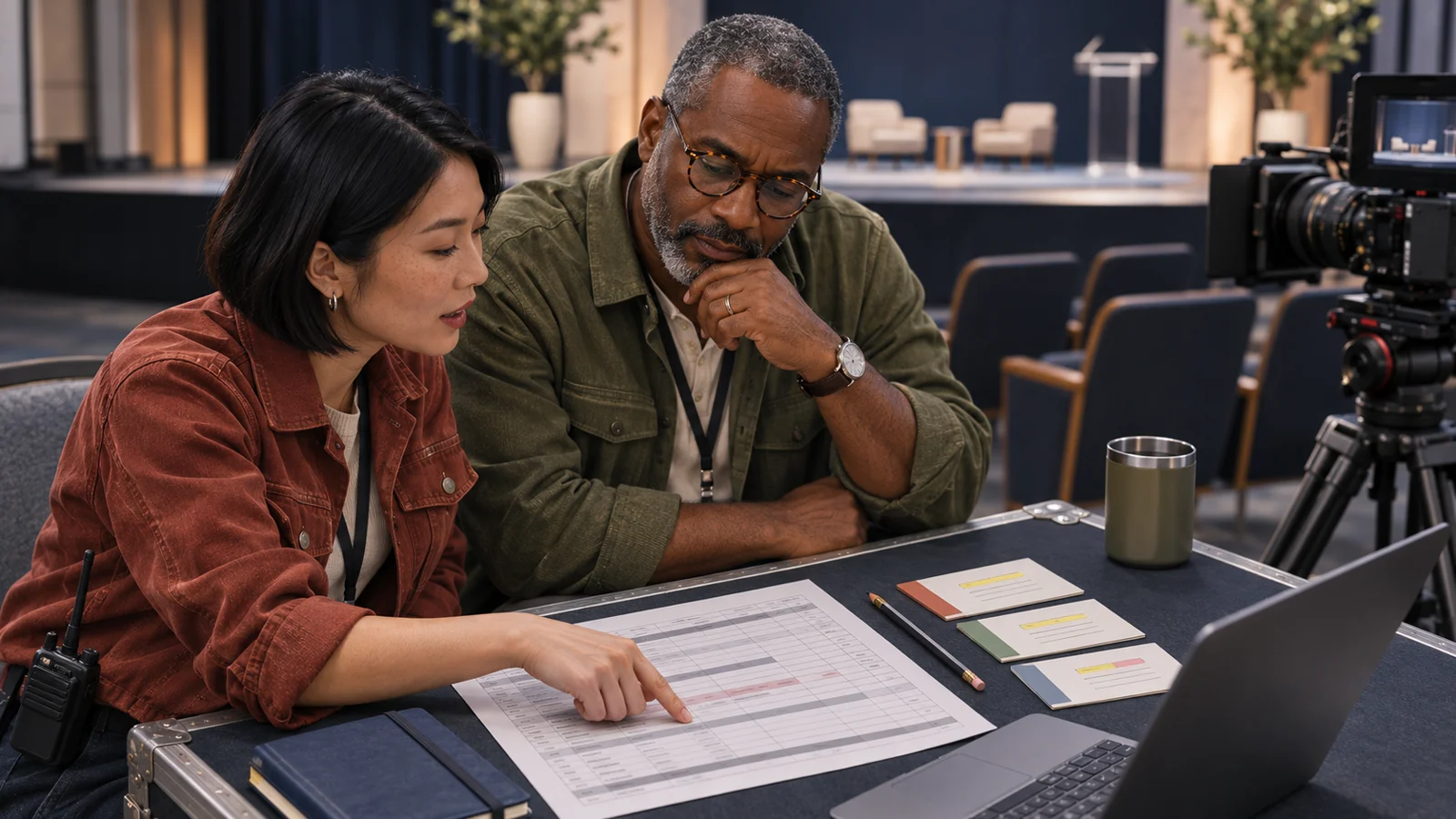
Pair each essential shot with its time, location, camera operator, and intended edit. Use the run of show—the minute-by-minute schedule—to mark speaker introductions, key moments, interviews, and transitions. Include wide shots, close-ups, and attendee reactions. We reviewed presentations and speaker names beforehand so the crew could anticipate the material needed for individual speaker reels. Our Hyertier Live Event Run of Show helps connect each cue to what to capture and how the video footage will be used.
How do you prepare the venue, crew, and speakers?
Walk the venue with the audiovisual team, confirm access and camera positions, and brief speakers on timing and microphones. We coordinated with the AV vendor, made site visits, and arranged setup the night before. We also reviewed photos of important people so the crew knew whom to capture. Enough staff and planned lunch rotations helped prevent fatigue and gaps in coverage. Share one brief with the event lead, crew, and publishing team so everyone works from the same schedule.
What camera, audio, and backup equipment should you plan?
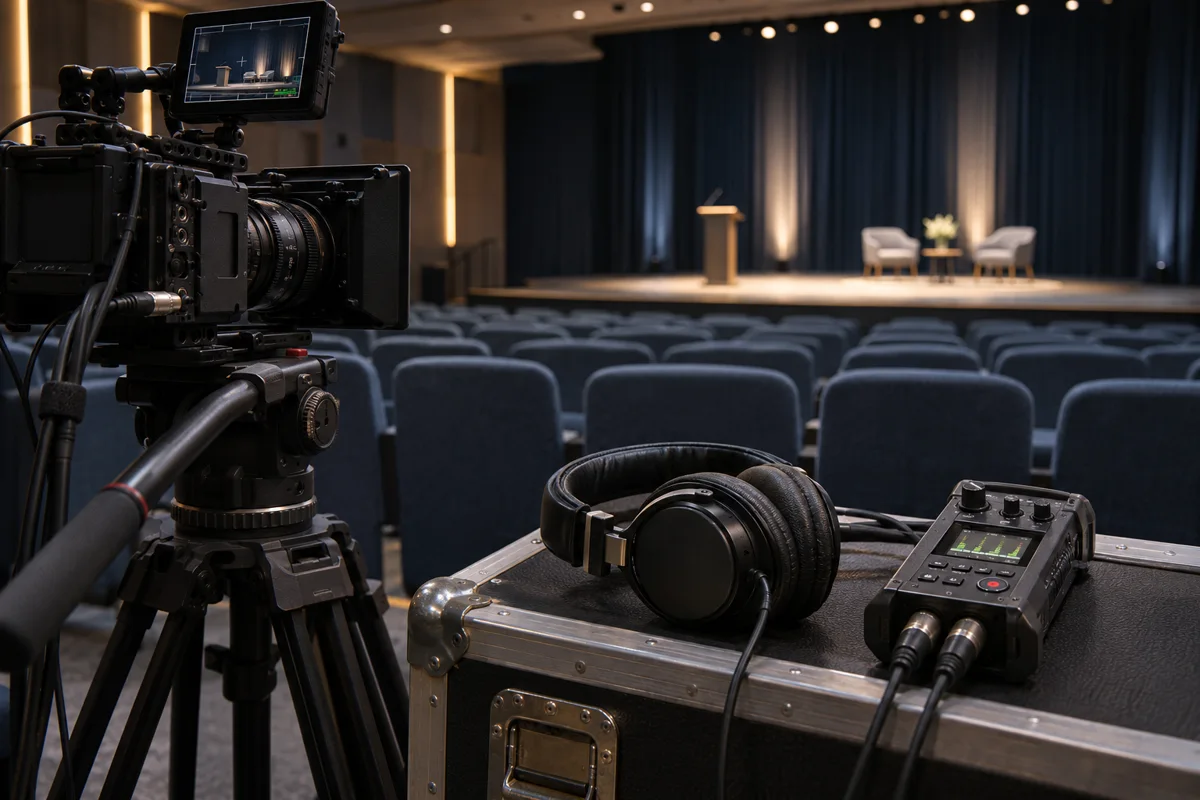
Choose the right video equipment for the type of event and promised outputs. Decide how many cameras need to cover the stage, audience, and interviews. Ask the crew which type of camera fits: DSLR, mirrorless, or dedicated video camera. Confirm whether a 4K workflow is needed. The equipment checklist should include a tripod, headphones, spare batteries, recording media, and an independent audio backup. High-quality video needs usable light and clear sound as well as resolution; more gear cannot replace a plan.
How do you test audio and prepare for technical problems?
Record and play back a sample from the venue’s microphone feed before guests arrive. Listen through headphones for distortion, hum, and missing channels; do not rely on a moving meter alone. Check camera sightlines under event lighting and confirm who monitors audio quality during the program. Run a dry run of important cues. Name the person responsible for each backup recording, spare mic, and file check. Put contingency plans for equipment failure or a late speaker into the crew brief.
What should you plan for live streaming and online viewers?
For live streaming or hybrid event production, confirm the streaming hardware and software, reliable internet access, and who watches the outgoing stream. Test the platform you choose with the actual audio and camera feed. Plan captions, graphics, transitions, viewer questions, and live polls before event day. Assign someone to manage online engagement while the production crew handles coverage. Agree on what happens if the connection drops, including a local recording. Live streaming is a separate delivery requirement, not something to add casually on arrival.
How much footage do you need, and how will you use it?
A full 30-minute keynote needs at least 30 minutes of continuous coverage per recording camera. There is no useful universal footage quota for a day-long event: session lengths, camera count, and planned edits determine it. We captured behind-the-scenes setup for same-day social media teasers, the program for the client’s highlight reel, and booth footage with vendor interviews for the venue’s future events. Before filming, assign file checks, editing, approval, delivery dates, and publishing approved video content to your social media channels.
One live event, three planned uses
- Same dayBehind-the-scenes footageSocial teaser for the client
- After the eventKeynote footageIndividual speaker reels
- Future promotionBooth footage and interviewsVendor stories for the venue
What planning mistakes should you avoid?
Avoid arriving without a shot list, assuming the venue supplies clean audio, or capturing content without an agreed edit and owner. Planning made our post-production easier because we already knew the story and sequence. Detailed gear setups, troubleshooting, and distribution deserve their own follow-up posts.
Get the Live Event Run of ShowGet the Run of Show
The Hyertier Signal Optional
Explore new technology, marketing, and content strategy for business owners. We’ll email your guide either way.We’ll email your guide either way.
Both choices receive the guide. Marketing is optional. Your guide link is valid for 24 hours.
Planning an event? We plan professional video coverage around your audience and what your business needs to achieve.
Explore Event Coverage